Want the box in the living room to play on the TV in the kitchen, garden room or office? Converting HDMI to IPTV makes it happen over your home network. This British IPTV guide explains the kit you need, the setup in plain English and how to fix the usual snags.
How It Works
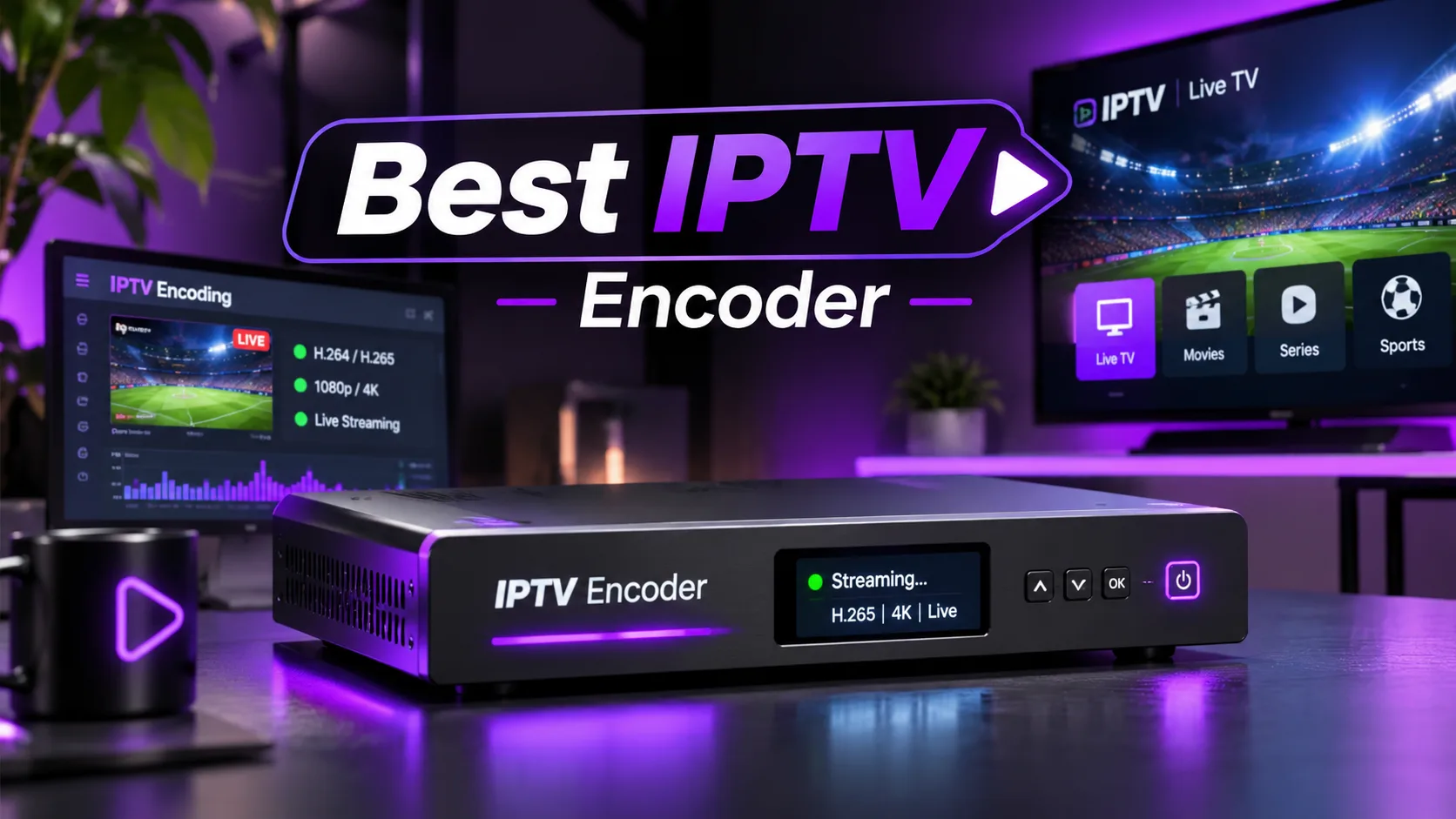
An HDMI encoder captures the picture and sound from a device, compresses them and sends them as a stream over your router. Any compatible TV, PC or phone on the same network can then watch it.
Kit List
- HDMI encoder – the box that turns HDMI into a network stream
- Router or switch – ideally with Ethernet ports near the encoder
- Ethernet cable – for a stable connection
- A player – smart TV app, VLC on a laptop or a set-top box
Step-by-Step Setup
- Connect your source device’s HDMI output to the encoder.
- Plug the encoder into your router with an Ethernet cable.
- Find its IP address in your router’s device list.
- Open that address in a web browser and sign in to the encoder.
- Choose H.264 at around 5 Mbps for HD (raise it for sport).
- Pick UDP or HLS output for watching on your home network.
- Start the stream and copy its address.
- Open the address in VLC or a player app on another device.
Budget Alternative
A USB capture card plus free OBS software on a laptop can do the same job for occasional use, though it is less reliable for all-day streaming.
Fixing Common Snags
| Problem | Likely cause | Fix |
|---|---|---|
| Black screen | HDCP protection | Use a non-protected source or output |
| Blocky picture | Bitrate too low | Increase bitrate |
| Freezing | Weak Wi-Fi | Use Ethernet or a mesh point |
| Lip-sync issues | Audio delay | Adjust audio offset in settings |
A Quick Legal Note
Only stream content you are entitled to watch, and remember that showing paid channels publicly in the UK normally needs a commercial licence.
Frequently Asked Questions
Can I watch the stream when I am away from home?
Yes, with HLS or RTMP output and some router configuration, but it takes more setup.
Is this the same as British IPTV?
No. Converting HDMI only shares a signal you already have. British IPTV provides UK and international live channels, football and films straight to your devices, with no encoder needed.
Final Thoughts
With an encoder, a cable and a few settings, HDMI to IPTV is straightforward. If you simply want British and international TV on every screen without extra kit, see the British IPTV plans or browse the British IPTV blog.